
Attendance Management System: How to Choose the Right One
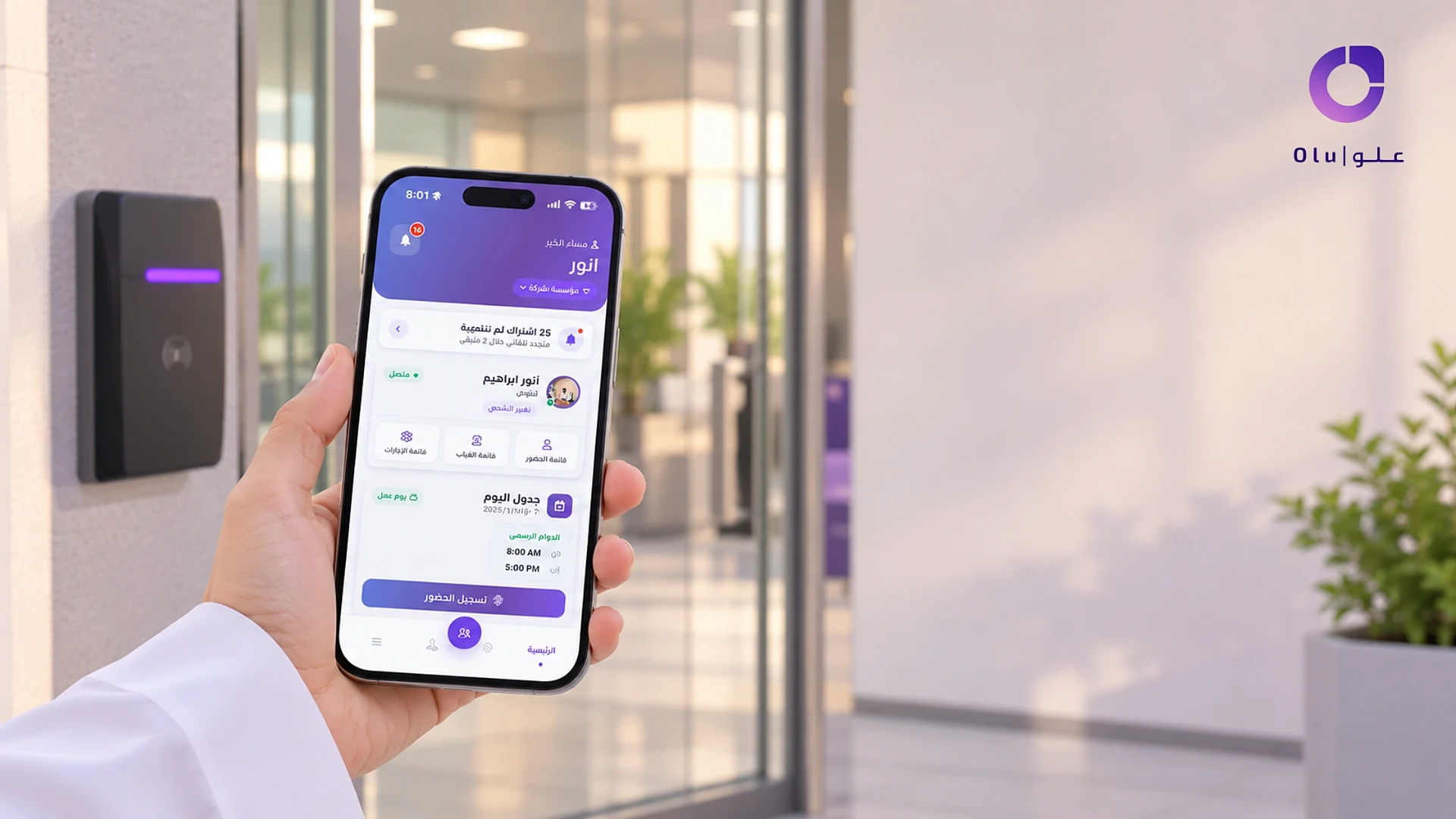
Many companies buy a fingerprint device or an attendance app, then discover two months later that the problem was never the check-in itself, but what happens after it: data exported by hand, payroll calculated in Excel, and endless disputes. That is why an attendance management system shouldn't be judged by how employees check in, but by what it does with the data afterwards. Here are seven features to check before you buy.
7 Features Every Attendance Management System Should Have
1. More Than One Way to Check In
A good system fits how your company works instead of forcing a single method:
Fingerprint devices: for offices and fixed branches.
Mobile app with location (GPS): for field employees and branches without a device.
A QR code for each branch: a quick method with no hardware.
Manager verification: for special cases.
Most importantly, data from every method should come together in one record.
2. A Direct Link to Payroll
An attendance system proves its value when lateness and absence deductions are applied directly to salary with no manual transfer. Every manual step between attendance and payroll is another chance for error.
Want to see attendance flow into payroll using your own company's data? Book a live demo of OLU
3. Clear, Configurable Rules
Working hours and deduction rules are set according to your company's approved work regulations, then applied to everyone the same way every month.
4. A Record Employees Can See
When employees know the reason for any deduction and can request an attendance correction, objections drop and trust grows.
5. Integration with Leave and Shifts
The system should know when an employee is on approved leave or on a different shift, so no absence is recorded by mistake, and it should calculate overtime from the attendance record itself.
6. Real-Time Monitoring and Branch Comparison
In multi-branch companies, management needs to see attendance now, not at month end, and to compare commitment across branches and departments to catch problems early.
7. A Smart Assistant That Answers Your Questions
Instead of digging through reports, a smart assistant lets you ask in plain language: Who was late today? Which departments were least punctual this month?
Checklist for Choosing an Attendance Management System
Fingerprint device integration: make use of the devices you already have.
Mobile check-in (GPS): for field employees and branches.
A QR code for each branch: a quick method with no hardware.
Attendance map and Excel export: a clear picture and ready-made reports.
Shifts and overtime: flexible schedules, calculated from the record.
Direct salary deductions: payroll without manual work.
Leave integration: no absences recorded by mistake.
Smart assistant: instant answers and branch comparisons.
Common Mistakes When Choosing an Attendance Management System
Choosing a device or app that isn't linked to payroll.
Overlooking field employees and remote branches.
Going live before setting the rules according to your work regulations.
Neglecting the protection of fingerprint data, which is sensitive data under the Personal Data Protection Law.
Why OLU?
Because OLU covers all seven features in one platform, from fingerprint to payroll:
Four ways to check in: BioTime fingerprint, location (GPS), QR code, and manager verification, in one record for all branches.
Lateness and absence deducted directly from salary according to your company's settings.
Leave, shifts, and overtime in the same place.
A real-time attendance map for management, with data export to Excel.
Saif AI to ask about attendance and compare branches and departments.
More than 190 companies across 360 branches in Saudi Arabia rely on OLU today.
FAQ: Attendance Management Systems
What's the difference between a fingerprint device and an attendance management system?
The device is a way to record attendance; the system receives the data, applies the rules, and links it to payroll and leave.
Can fingerprint and mobile check-in be used together?
Yes. In OLU, data from fingerprint, mobile, QR code, and manager verification comes together in one record.
Do I need to buy fingerprint devices to use OLU?
No. Employees can check in from the mobile app or with a QR code, with no devices. If you already have BioTime devices, they can be connected to OLU.
Conclusion
A good attendance management system starts with check-in but doesn't end there. With OLU, every check-in, by fingerprint or by mobile, becomes accurate payroll and clearer decisions.
Book a live demo of OLU with your company's data, or try it free for 7 days, no credit card required: olu.sa
This article is for general awareness and is not legal advice.