
Mobile Attendance or Fingerprint? And Why You May Need Both
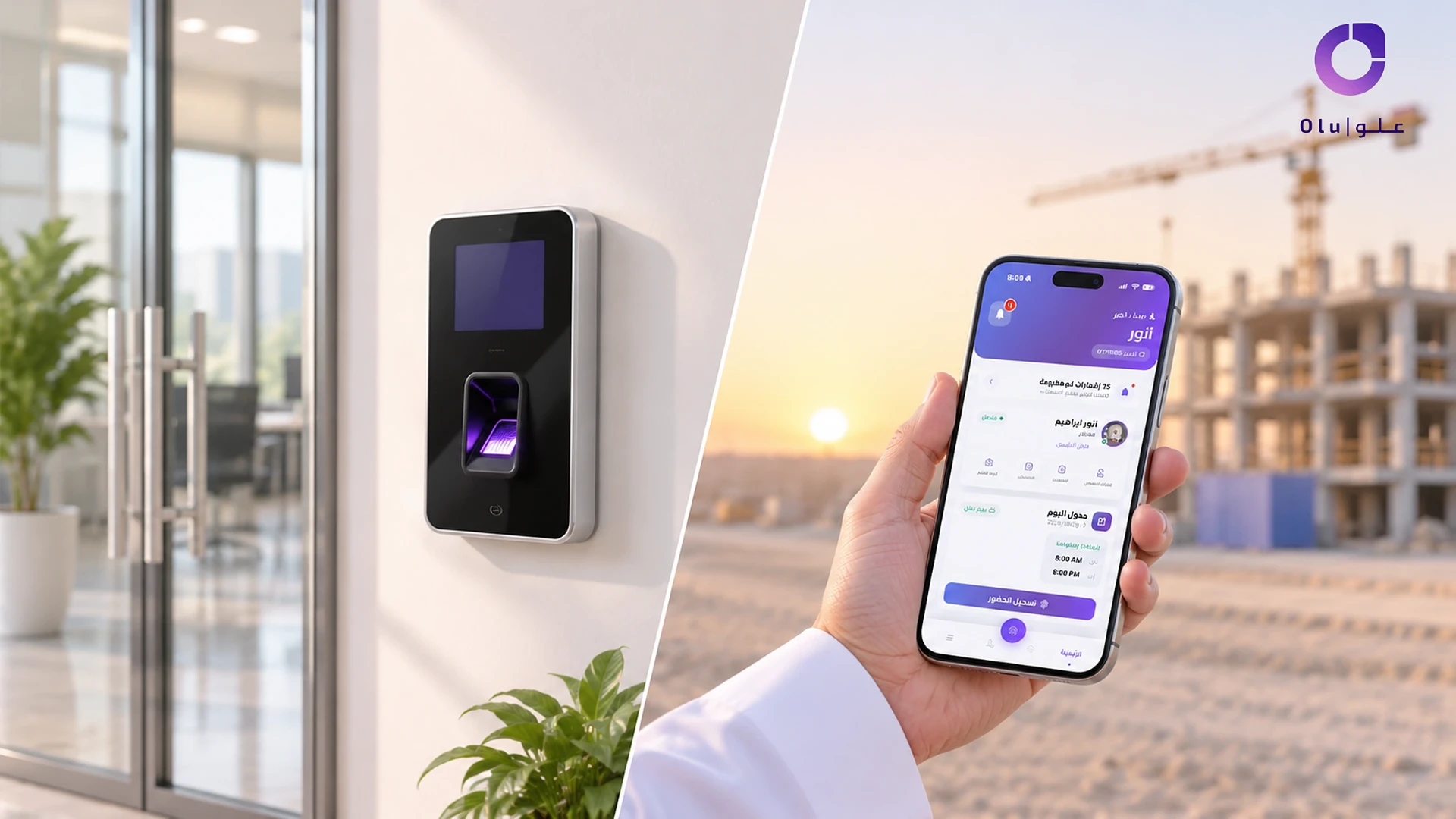
At headquarters, employees line up in front of the fingerprint device every morning. At the project site there's no device at all, so attendance is recorded in a notebook or a WhatsApp message. Which method is better? Before choosing between a fingerprint device and mobile attendance, know what each offers, and why you might need both.
How Does Each Option Work?
Fingerprint device: a device mounted at the entrance, where employees check in with a finger, face, or card; the data is then pulled into a file or system.
Mobile attendance: employees check in and out from an app on their phone, and the data goes straight to the HR system.
Fingerprint Device vs Mobile Attendance
Upfront cost: fingerprint needs a device bought and installed at each site; mobile needs no extra hardware.
Maintenance: fingerprint devices bring breakdowns, updates, and spare parts; mobile only needs app updates.
Multiple sites: fingerprint needs a device per site; mobile uses the same app everywhere.
Rush at check-in: fingerprint means queues at the device; with mobile, each employee checks in from their own phone.
Data flow: fingerprint needs a manual export or a system integration; mobile sends data straight to the system.
Employee access to their record: often limited with fingerprint; available to employees in the app.
Requirements: fingerprint requires the employee to be at the device; mobile requires a smartphone and an internet connection.
Have employees in the office and in the field? Try OLU free for 7 days, no credit card required
When Does a Fingerprint Device Suit You?
When all employees work at one fixed site.
When some employees don't have smartphones, or aren't allowed to use them at work.
When you have a device that works well and its data is linked to your system.
When Does Mobile Attendance Suit You?
When you have more than one branch or site, or field employees.
When you want attendance data to reach payroll without manual transfer.
When you want fewer disputes by giving employees access to their own record.
When you want a solution that doesn't require buying and maintaining devices.
What Matters More Than the Check-In Method?
Whether you choose fingerprint or mobile, what matters is what happens after check-in: Does the data reach payroll without manual work? Can managers see lateness and absence right away? Can employees review their own record? The check-in method alone won't solve the problem if the data ends up in an Excel file.
OLU Brings Fingerprint and Mobile Together in One System
With OLU, you don't have to choose:
Fingerprint devices: OLU connects to BioTime fingerprint devices at headquarters and branches.
Mobile app: field employees check in by location (GPS); the app is available on iOS and Android in seven languages.
QR code and manager verification: two more methods for branches and special cases.
One record: data from all four methods comes together in one record inside the system where payroll is managed, and lateness and absence deductions are applied directly to salary.
Saif AI: answers your questions about today's attendance and lateness, whatever the check-in method.
FAQ: Mobile Attendance
Is mobile attendance a replacement for a fingerprint device?
It can fully replace it in many companies, especially those with multiple sites. With OLU you don't have to choose, since you can connect fingerprint devices and use the mobile app together.
Is mobile attendance linked to payroll?
With OLU, yes: attendance and payroll data are managed in one system, and lateness and absence are deducted directly.
Do I need to buy fingerprint devices to use OLU?
No. The mobile app or a QR code is enough. If you already have BioTime devices, they can be connected to OLU.
Conclusion
Choosing between a fingerprint device and mobile attendance depends on how your company works, but the deciding factor is what happens to the data after check-in. With OLU you don't have to choose: connect your fingerprint devices, enable mobile attendance for those who need it, and attendance from both turns into accurate payroll without manual transfer.
Book a live demo of OLU with your company's data, or try it free for 7 days, no credit card required: olu.sa
Fingerprint data is sensitive personal data, so be sure to review the Personal Data Protection Law and its regulations.